
blog.tableOfContents
- 1. Features exclusive to the manufacturer's ecosystem
- In practice
- 2. Partially supported Bluetooth profiles
- In practice
- 3. Differences between versions of the same operating system
- In practice
- 4. Why the codec used can vary by phone
- In practice
- How to reduce the impact of these differences
- Should you worry about these compatibility differences?
- Should you avoid buying earbuds from a different brand than your phone?
- How can you know in advance which features will be limited?
- Can a phone update improve compatibility?
- Why does perceived audio quality change depending on the phone used?
- Do a brand's earbuds work worse with a newer phone than with an older one?
blog.inBrief
Manufacturer-ecosystem-only features, partially supported Bluetooth profiles, different OS versions, and the codec negotiated on the fly — why Bluetooth compatibility is never fully universal.
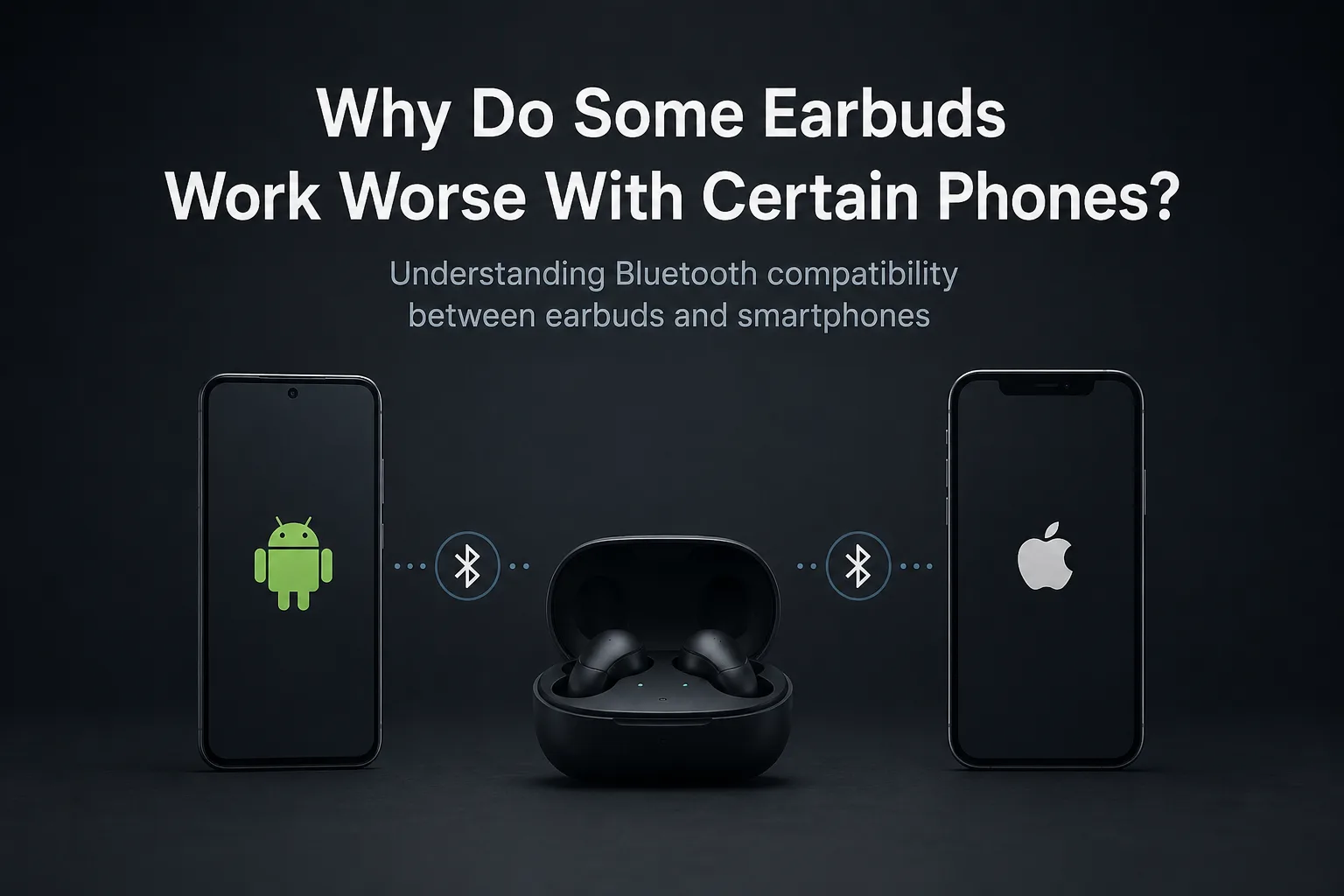
Why Do Some Earbuds Work Worse With Certain Phones?
Bluetooth is an open standard, in theory compatible with any device that supports it.
In practice, the experience varies noticeably depending on the exact combination of earbuds and phone being used. Two identical pairs of earbuds can behave differently depending on whether they're paired with a phone from the same brand or a phone from a different brand — and that doesn't mean either device is faulty.
Here are the main reasons why Bluetooth compatibility is never fully universal.
1. Features exclusive to the manufacturer's ecosystem
Some advanced features — automatic in-ear detection, seamless device switching, fine-grained ANC (anc" class="text-accent underline">active noise cancellation) settings, real-time translation — are built specifically to work within the same manufacturer's ecosystem: Samsung earbuds with a Samsung phone, AirPods with an iPhone.
Used with a device from another brand, these earbuds generally still work for the essentials (music, calls, volume control), but often lose these extra features, which rely on proprietary protocols rather than the base Bluetooth standard.
In practice
AirPods used with an Android phone will keep streaming audio and handling calls normally, but features like automatic notification announcements or switching listening modes via a stem press will be limited or unavailable.
2. Partially supported Bluetooth profiles
Bluetooth defines several profiles for different uses: stereo audio (A2DP), hands-free calling (HFP), data transfer, and more.
A phone or operating system may only partially support certain advanced profiles. Basic pairing still works fine, but features that depend on a specific profile — such as richer voice commands during a call — may be limited or unavailable depending on the phone in use.
In practice
Two phones might both play music without issue through the same earbuds, yet behave differently as soon as a call is involved, if one of them handles the hands-free profile less well than the other.
3. Differences between versions of the same operating system
A feature supported on a recent version of Android or iOS may not be available on an older version of the same system, even with identical earbuds.
Phone updates are therefore also part of the compatibility equation, not just earbud updates. Bluetooth support that evolves gradually with each major OS release explains why two phones from the same brand, but of different ages, can behave differently with the same pair of earbuds.
In practice
If a feature advertised by the earbud manufacturer isn't working even though it should be supported, checking whether the phone is up to date is one of the first things to try before suspecting a hardware issue.
4. Why the codec used can vary by phone

Two different phones can automatically negotiate a different Bluetooth codec with the same earbuds, depending on which codecs each one supports.
This negotiation happens automatically, with no input from the user, and can explain a perceived difference in audio quality between two phones used with the same pair of earbuds — even when the volume and settings are identical.
In practice
A pair of earbuds that supports several codecs may use a higher-performance codec with a phone that also supports it, and automatically fall back to a more basic — and therefore less precise-sounding — codec with another phone that doesn't.
How to reduce the impact of these differences
You don't need to switch earbuds or phones to improve the situation. A few simple checks often help close the gap between what's advertised and what's actually available:
Check that the phone is running the latest system update.
Check that the earbuds' firmware is up to date.
Check the manufacturer's documentation to see which features require its own ecosystem.
Avoid directly comparing two phones from different brands on features that, by design, depend on the earbud manufacturer's ecosystem.
Should you worry about these compatibility differences?
In most cases, no. The essentials — listening to music, making calls, controlling volume — work reliably with virtually any combination of recent earbuds and phone.
These differences mostly affect secondary features, often highlighted in the manufacturer's marketing, but they don't affect basic day-to-day use.
FAQ
Should you avoid buying earbuds from a different brand than your phone?
Not necessarily. Essential features (audio playback, calls) remain widely compatible; only certain extra features may be limited.
How can you know in advance which features will be limited?
Check the earbud manufacturer's documentation, which usually specifies which features require its own ecosystem.
Can a phone update improve compatibility?
Yes. In some cases, an operating system update can add support for newer Bluetooth profiles or codecs.
Why does perceived audio quality change depending on the phone used?
This is usually due to the Bluetooth codec automatically negotiated between the earbuds and the phone, which can differ from one device to another depending on which codecs each one supports.
Do a brand's earbuds work worse with a newer phone than with an older one?
Not necessarily worse, but potentially different: a newer phone generally supports more Bluetooth profiles and codecs, which can expand the features available.
Conclusion
Earbuds that behave differently depending on which phone they're paired with don't necessarily signal a problem.
The main explanations are features tied to the manufacturer's ecosystem, partial support for certain Bluetooth profiles, differences between OS versions, and the codec negotiated automatically.
In most cases, the core experience stays reliable no matter which combination of devices you're using.
To go further, learn about Bluetooth codecs in detail in our dedicated article.
EarbudsTimeline is an independent project. If this article helped you, a free-amount donation always makes my day.
Stay in the loop
New articles and database updates, no spam.