
Do AirPods Work With Android? What Works and What You Lose
blog.inBrief
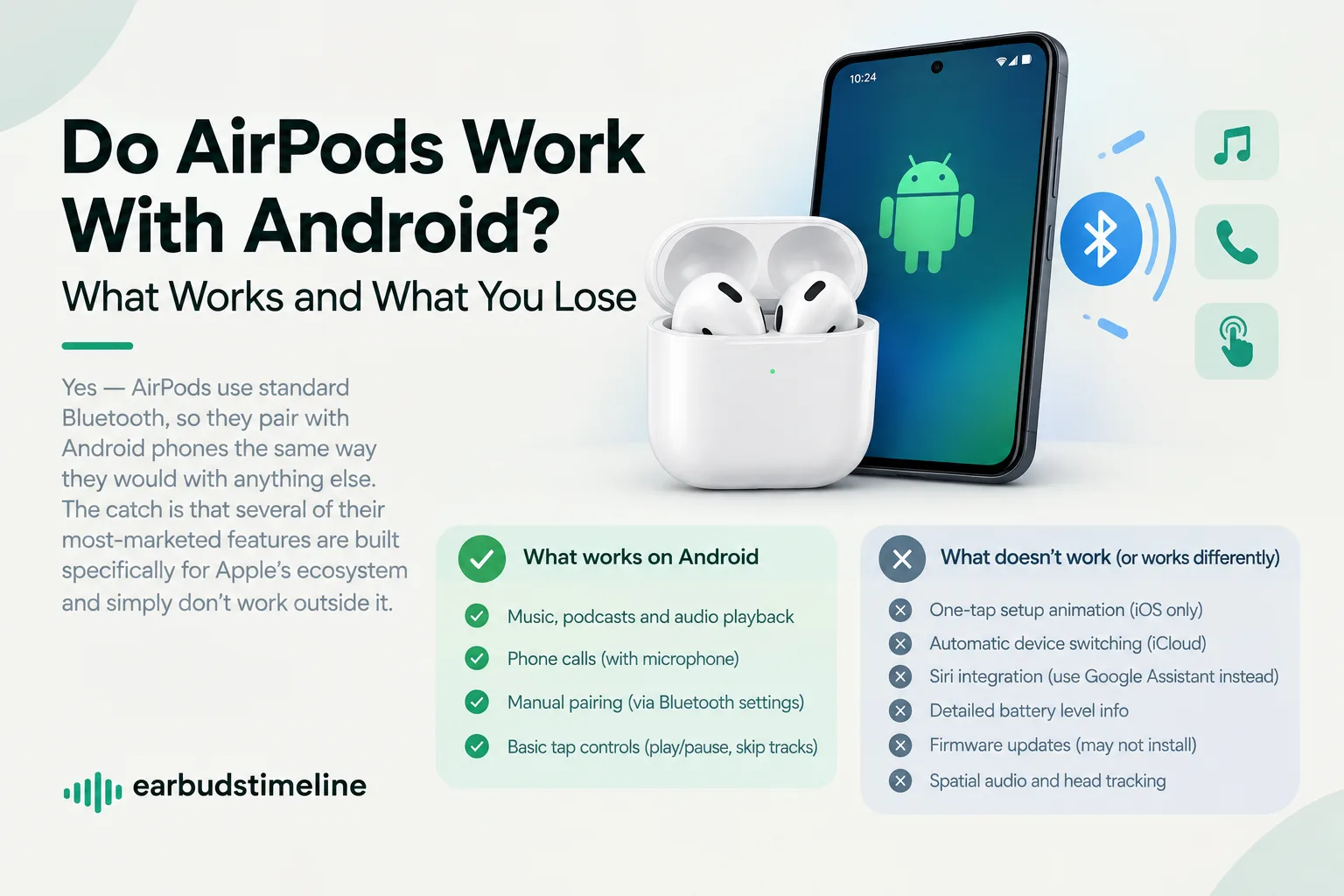
AirPods pair over standard Bluetooth and work with Android for music and calls, but several Apple-exclusive features are unavailable outside iOS.
Do AirPods Work With Android? What Works and What You Lose
Yes, AirPods use standard Bluetooth, the same wireless protocol every other Bluetooth earbud uses, so they pair with Android phones the same basic way they'd pair with anything else. The catch is that several of AirPods' most-marketed features are built specifically for Apple's ecosystem and simply don't work outside it.
What works fine on Android
Basic audio playback: Music, podcasts and other audio play normally over the standard Bluetooth connection.
Phone calls: Making and receiving calls works, including using the earbuds' built-in microphone.
Manual pairing: You pair AirPods to an Android phone the same way you'd pair any other Bluetooth earbuds — through your phone's Bluetooth settings menu.
Basic tap controls: Play/pause and skip-track gestures generally still work, since these are handled locally on the earbuds rather than requiring Apple-specific software.
What doesn't work (or works differently) on Android
One-tap setup animation: The pop-up animation that appears near an iPhone when you open the AirPods case for the first time is an iOS-only feature and won't appear on Android.
Automatic device switching: AirPods' ability to automatically switch audio between your iPhone, iPad, and Mac relies on Apple's iCloud account system — this doesn't extend to Android devices at all.
Siri integration: Voice assistant access through AirPods is built around Siri specifically; Android users would need to rely on their phone's own assistant (like Google Assistant) through whatever generic controls are available instead.
Battery level details: iOS shows a detailed battery widget for each earbud and the case; Android typically shows this information less precisely, or not at all, depending on the phone.
Firmware updates: AirPods firmware updates are pushed automatically through a paired iPhone — without one, updates may not install at all, which can leave features stuck at an older version over time.
Spatial audio and head tracking: These Apple-specific audio features (available on newer AirPods models) require iOS/iPadOS software support that doesn't exist on Android.
Should you buy AirPods specifically for an Android phone?
If you're an Android user shopping specifically for earbuds (not switching from an iPhone you already own), most dedicated Android-first earbuds will give you a more complete feature set for a similar price — automatic switching, detailed battery reporting, and assistant integration are usually built with Android in mind on those models, the same way AirPods are built with iOS in mind.
None of this means AirPods are unusable on Android — basic listening and calls work reliably — but you're paying for an ecosystem of features that mostly only activate when paired with Apple devices.
EarbudsTimeline is an independent project. If this article helped you, a free-amount donation always makes my day.
Stay in the loop
New articles and database updates, no spam.