
How Long Do Earbuds Take to Charge? A Realistic Timeline
blog.inBrief
Typical charging times for the earbuds themselves and the case, plus what quick-charge features actually give you.
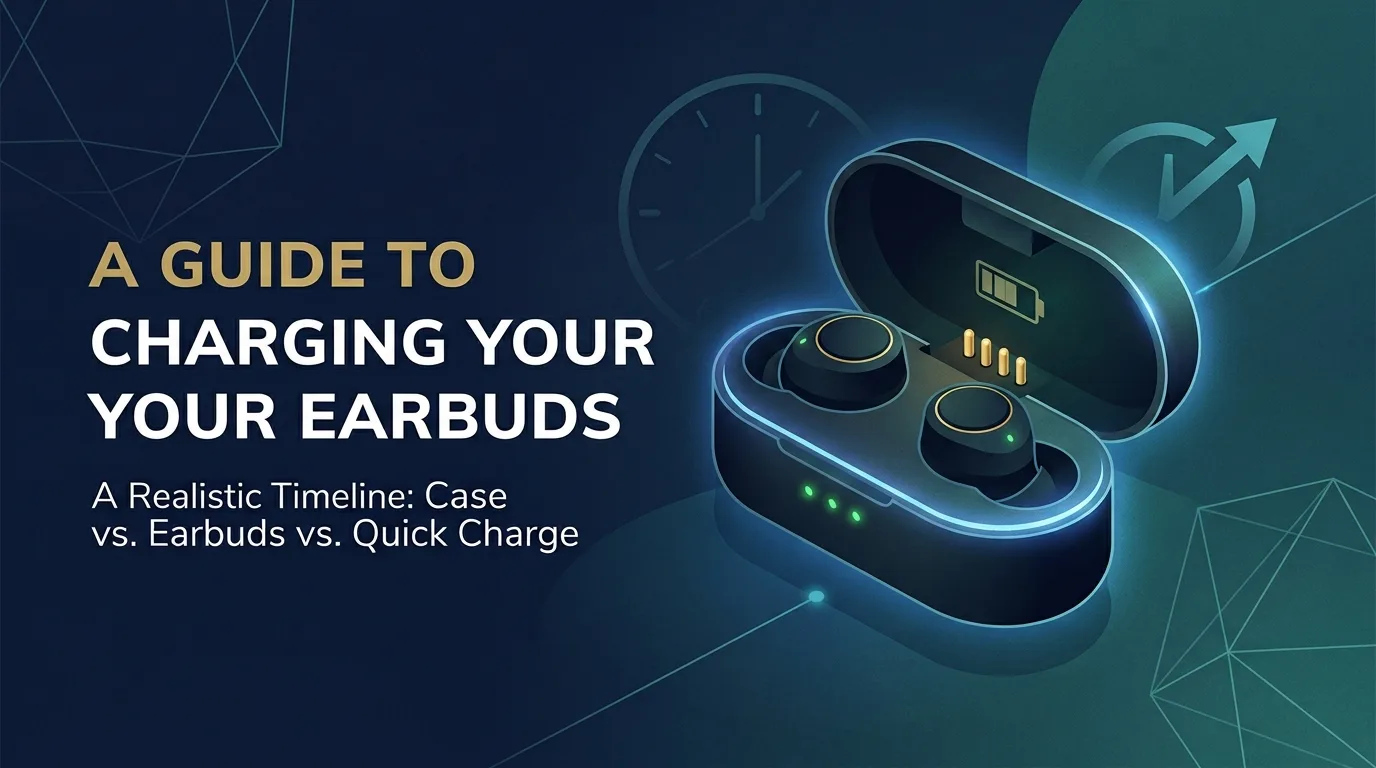
How Long Do Earbuds Take to Charge? A Realistic Timeline
Charging times vary by brand and model, but most true wireless earbuds follow a broadly similar pattern. Here's what to realistically expect.
⏱️ Typical charging times
The earbuds themselves (from empty to full, while sitting in the case): usually around 1–2 hours.
The charging case (from empty to full, via USB-C or Lightning): usually around 1.5–3 hours, since the case battery is larger than either earbud's individual battery.
A quick top-up (putting earbuds in the case for just 10–15 minutes): many models advertise 1–2 hours of extra playback from a charge this short, though the exact figure depends on the model's quick-charge feature.
These are general ranges, not a guarantee for any specific product — check your exact model's listed specifications if you need a precise figure.
🔌 Why quick charging exists
Quick charging (also called fast charging) is a feature built specifically for the "I forgot to charge them" scenario — a very brief time in the case delivers a meaningful chunk of playback time rather than a full charge. Not every earbud model supports this; it's worth checking your specific model's spec sheet if fast top-ups matter to you.
🪫 Signs your earbuds are actually charging
A small LED on the case (or sometimes on the earbuds themselves) typically lights up or changes color while charging, and turns off or changes again once full.
Some models play a tone or give a voice confirmation when they're first placed in the case and begin charging.
Companion apps often show a battery percentage for both earbuds and the case in real time.
⚠️ If charging seems slower than expected
Check the cable and adapter: A worn USB cable or a low-power charging brick can meaningfully slow charging — try a different cable if you're unsure.
Clean the charging contacts: Small metal contacts inside the case (and on the earbuds) can accumulate dust, lint or earwax residue over time, which can interrupt a proper connection.
Confirm the earbuds are seated correctly: If an earbud isn't fully clicked into place in the case, it may not be making contact with the charging pins at all.
If one earbud consistently charges slower than the other or won't hold a charge at all, that's usually a sign of a battery or contact issue specific to that earbud rather than a general charging-speed question — worth checking with the manufacturer's support if cleaning the contacts doesn't resolve it.
EarbudsTimeline is an independent project. If this article helped you, a free-amount donation always makes my day.
Stay in the loop
New articles and database updates, no spam.