
Why Bluetooth Latency Is a Problem for Gaming (and How to Reduce It)
blog.tableOfContents
blog.inBrief
A slight delay between picture and sound often goes unnoticed while listening to music, but it quickly becomes a problem in video games, where every millisecond counts to react in time. That delay has a name: latency. Understanding where it comes fro…
A slight delay between picture and sound often goes unnoticed while listening to music, but it quickly becomes a problem in video games, where every millisecond counts to react in time. That delay has a name: latency. Understanding where it comes from helps you know when it's actually a problem — and, more importantly, how to reduce it depending on the type of game you play.
Where Bluetooth Latency Actually Comes From
Unlike a wired connection, Bluetooth has to compress the audio signal, transmit it over radio waves, then decompress it on the earbud side — and, critically, buffer it along the way.
- Codec processing — encoding and decoding the audio signal takes time, whether the codec is SBC, AAC, aptX, or LC3.
- Over-the-air transmission — the radio link itself is fast, but packet scheduling and any retransmissions caused by interference add delay.
- Buffering — earbuds hold a small amount of audio in memory before playing it, to smooth out any jitter or packet loss. This protects against dropouts but is often the single biggest hidden contributor to total latency — bigger, in many real-world cases, than the codec's own processing time.
- Device-side handling — driver and OS queuing, plus the final digital-to-analog conversion, add a last few milliseconds.
In practice: a "low-latency" codec advertised at 30-40ms on a spec sheet rarely stays that low once buffering, OS handling, and real-world radio conditions are added in — well-implemented systems often land closer to 70-100ms end to end, even with a codec built for speed. Bluetooth version number alone doesn't fix this: a newer Bluetooth generation doesn't automatically mean lower latency, since so much depends on buffering strategy and firmware, not just the radio protocol.
Why It Matters Most in Gaming
In music or film, a slight, constant delay often goes unnoticed since the ear and the eye receive information at the same shifted pace, with no perceptible loss of sync. Most people only start noticing audio-video desync somewhere around 80-120ms, with real annoyance kicking in past 150-200ms.
In gaming, though, responsiveness matters: hearing an enemy footstep or a gunshot with a delay can directly affect performance, especially in competitive games where decisions happen in fractions of a second.
In practice: in a fast-paced shooter, players typically move at roughly 5.5-6 m/s. Every extra millisecond of latency shifts where an enemy actually is relative to what you see and hear — a 20ms disadvantage can place an enemy's real position around 12cm away from what's rendered on your screen, enough to turn what looked like a hit into a registered miss. Audio latency compounds this: hearing a footstep or gunshot late means reacting late, on top of any visual lag already in play.
Codecs and Modes Designed to Reduce Latency
aptX Low Latency was one of the earlier dedicated solutions, commonly cited around 40ms of codec-level delay. In practice, it requires both the earbuds and the source device to support the exact same implementation, which limited real-world availability — by the late 2010s it had largely been superseded by newer aptX variants and, more importantly, by Bluetooth LE Audio.
Bluetooth LE Audio and its LC3 codec (available on Bluetooth 5.2 and later) is the more relevant low-latency standard going forward. LC3 targets codec-level latency in the ~20-30ms range, with the newer LC3plus variant capable of dropping even lower in optimized conditions. As with any codec, real-world end-to-end latency will run somewhat higher once buffering and device handling are factored in — but LE Audio's design is meaningfully better suited to low-latency use than classic Bluetooth.
Proprietary "gaming" modes from individual manufacturers typically layer manual tuning (smaller buffers, a dedicated codec path) on top of one of the above, and can bring latency below 60-70ms.
How to check: look at the spec sheet or companion app for an explicitly named low-latency or gaming mode — these are almost always opt-in and manually toggled, and manufacturers tend to state the target latency in milliseconds.
The Dedicated 2.4GHz Receiver: The Low-Latency Alternative
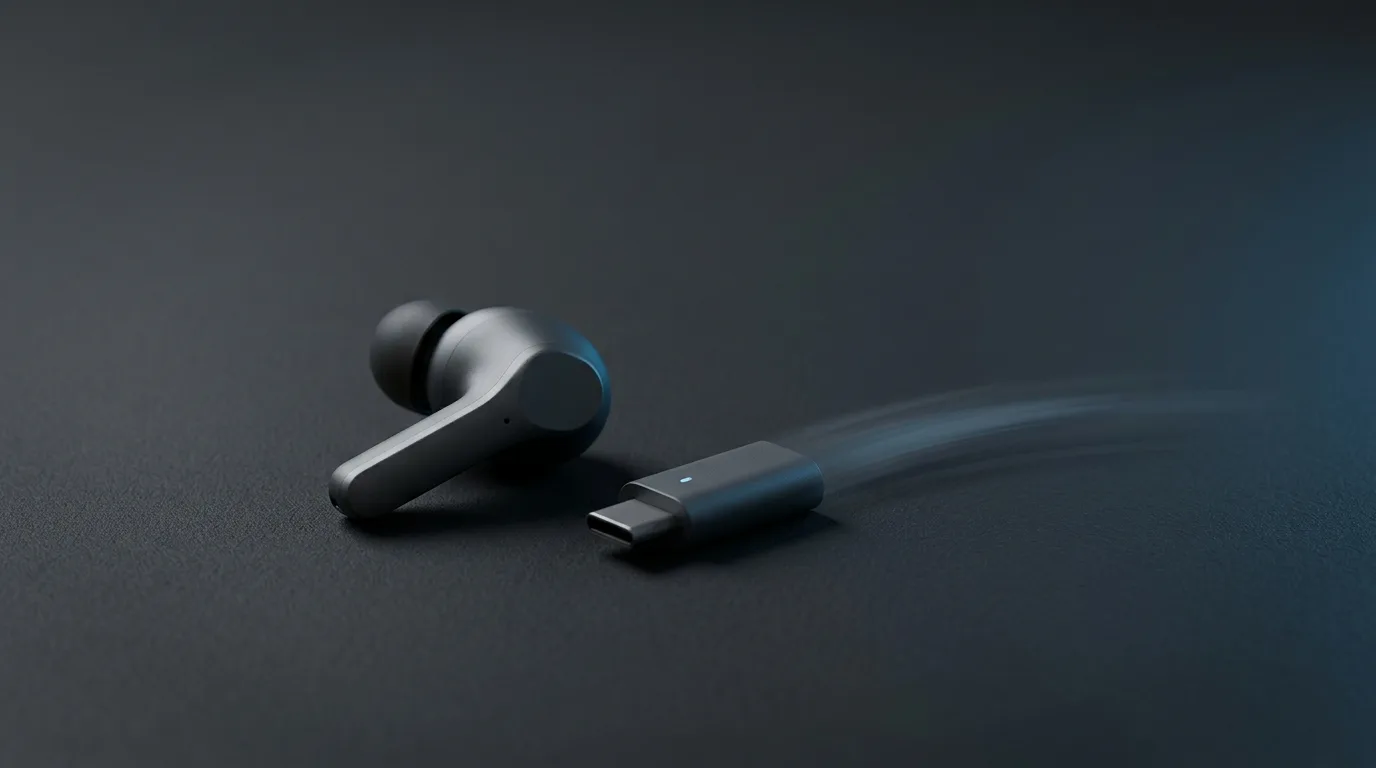
For competitive gaming, several brands offer a small USB dongle running on 2.4GHz instead of a standard Bluetooth connection. This approach skips most of the negotiation and buffering overhead that Bluetooth carries, delivering noticeably lower latency — often under 40ms — at the cost of compatibility limited to devices that accept the dongle, generally a PC or specific consoles, excluding smartphones in most cases.
How to choose between Bluetooth and a dongle: for mixed use (everyday music, occasional gaming), a well-implemented Bluetooth gaming mode or LE Audio is generally enough. For regular competitive gaming on PC or console, a 2.4GHz dongle remains the most reliable option for consistently minimizing latency.
What Latency Level to Aim For, by Game Type
Not every game demands the same level of latency, which lets you match the hardware to actual use rather than always chasing the lowest possible number.
| Game type | Acceptable latency | Recommended setup |
|---|---|---|
| Narrative / turn-based strategy | 100-300ms (standard Bluetooth) | Any Bluetooth earbuds |
| Action / platformers | 60-70ms | Bluetooth gaming mode or LE Audio |
| Competitive shooters / rhythm games | Under 40ms | 2.4GHz dongle |
How to Diagnose Whether Latency Is Actually the Problem
Before assuming your earbuds are at fault, isolate the source:
- Test in your actual setup — the same phone/console and the same app or game you normally use, since buffering behavior can vary by source, not just by earbuds.
- Compare across two devices — play the identical content (a YouTube video works well) on two different phones with the same earbuds. If timing differs between the two, the delay is coming from the source device or app, not the earbuds.
- Check for a dedicated low-latency mode and confirm it's actually enabled — many gaming modes are off by default.
- Update firmware on both the earbuds and the source device; buffering and latency handling are frequently improved through firmware updates.
- Rule out wireless interference — Bluetooth and Wi-Fi share the crowded 2.4GHz band, and a busy wireless environment (lots of nearby Wi-Fi networks or 2.4GHz devices) can force earbuds to buffer more aggressively to avoid dropouts, increasing latency. Testing in a less congested environment can confirm whether interference is a factor.
- Prefer a single-device connection over multipoint when latency-critical — keeping two devices simultaneously connected adds negotiation overhead to the connection, which can nudge latency slightly higher than a direct one-to-one link.
FAQ
How can you tell if your earbuds have a low-latency mode? Check the spec sheet or the manufacturer's companion app. A gaming or low-latency mode, when available, is generally toggled manually and stated in milliseconds.
Is latency a problem for listening to music? Rarely noticeably, except in specific use cases like mixing or real-time music production.
Does multipoint increase latency? Not directly, but keeping two devices connected simultaneously adds extra connection negotiation overhead, which can slightly increase latency depending on the manufacturer's implementation. If latency is critical, a single-device connection is generally preferable.
Does Bluetooth latency vary depending on the phone used? Yes. The codec automatically negotiated between the earbuds and the phone can differ from one device to another — a phone that doesn't support LE Audio or aptX, for instance, will fall back to a higher-latency codec, directly affecting the delay you get.
Does a low-latency mode reduce perceived audio quality for music? Usually only marginally for standard listening, but the trade-off clearly favors transmission speed — worth keeping in mind for mixed use, where both music quality and gaming responsiveness matter.
Does a newer Bluetooth version automatically mean lower latency? Not by itself. The Bluetooth version number isn't the main lever — buffering strategy, codec choice, and firmware optimization matter more than the version alone, and two devices on the same Bluetooth version can still show very different real-world latency.
Conclusion
Bluetooth latency comes from compressing, transmitting, buffering, and decompressing the signal — a delay that's generally not much of an issue for music, but noticeable in gaming, where every millisecond counts. Low-latency codecs like LE Audio's LC3 and dedicated gaming modes meaningfully reduce this delay, while a 2.4GHz dongle remains the most reliable option for demanding competitive gaming. The right trade-off mostly depends on the type of game you play day to day — and it's worth testing your actual setup rather than trusting spec-sheet numbers alone.
EarbudsTimeline is an independent project. If this article helped you, a free-amount donation always makes my day.
Stay in the loop
New articles and database updates, no spam.